From Scattered Notes
to Connected Ideas
AI-native mind mapping for power users. Keyboard-first, real-time, and dangerously fast.
You shouldn't have to fight your tools to think.
Without Shiko
- Tools that fight your thinking flow
- AI hidden behind complex workflows
- Collaboration that feels laggy
- Buried behind menus and clicks
With Shiko
- Ideas flow, connections form naturally
- AI on tap — one click, instant insight
- Real-time sync, zero friction
- Keyboard-first, everything instant
AI that thinks with you, not after you
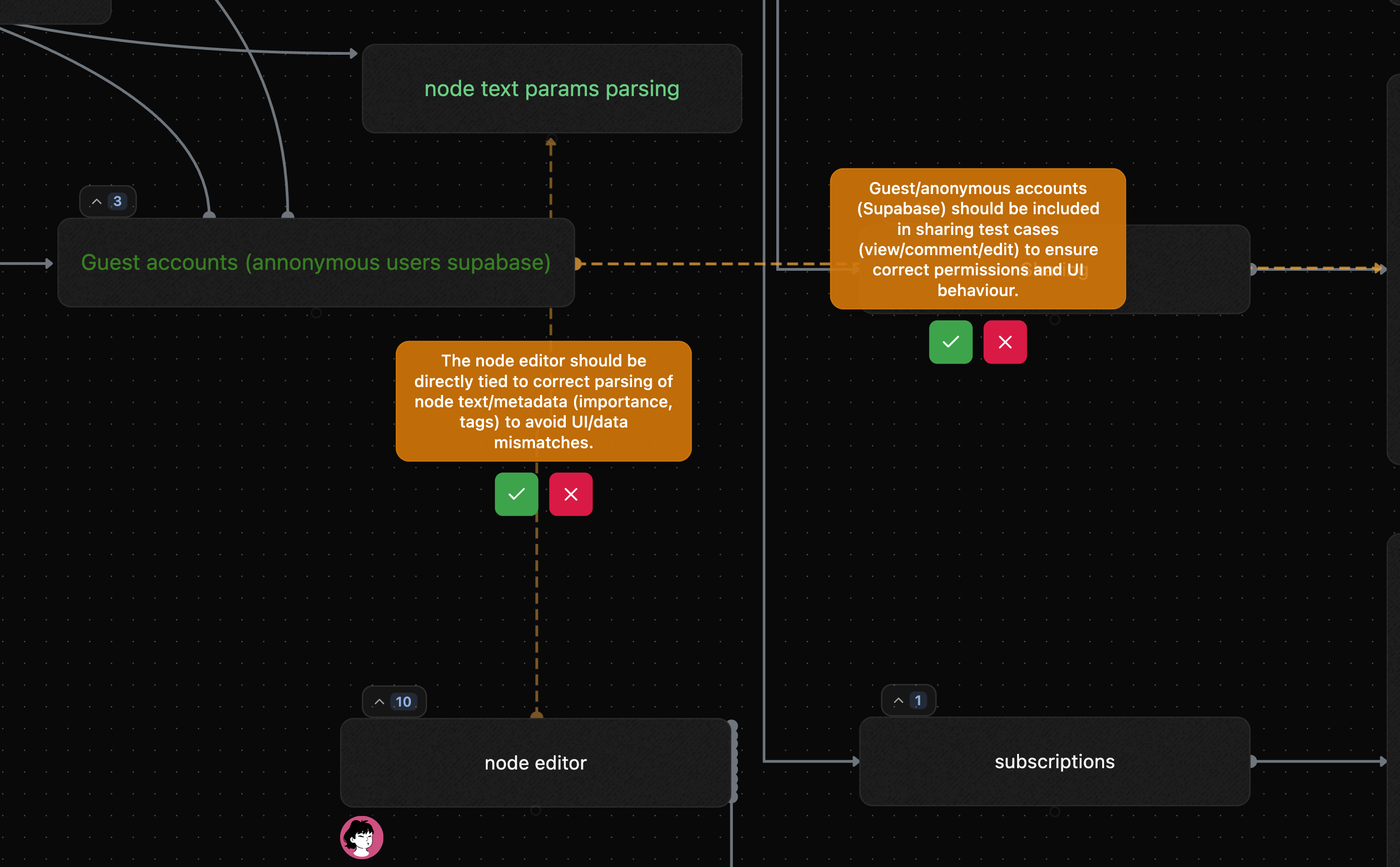
Ghost nodes suggest connections as you work. No separate "AI button" — insights emerge naturally from your thinking flow.
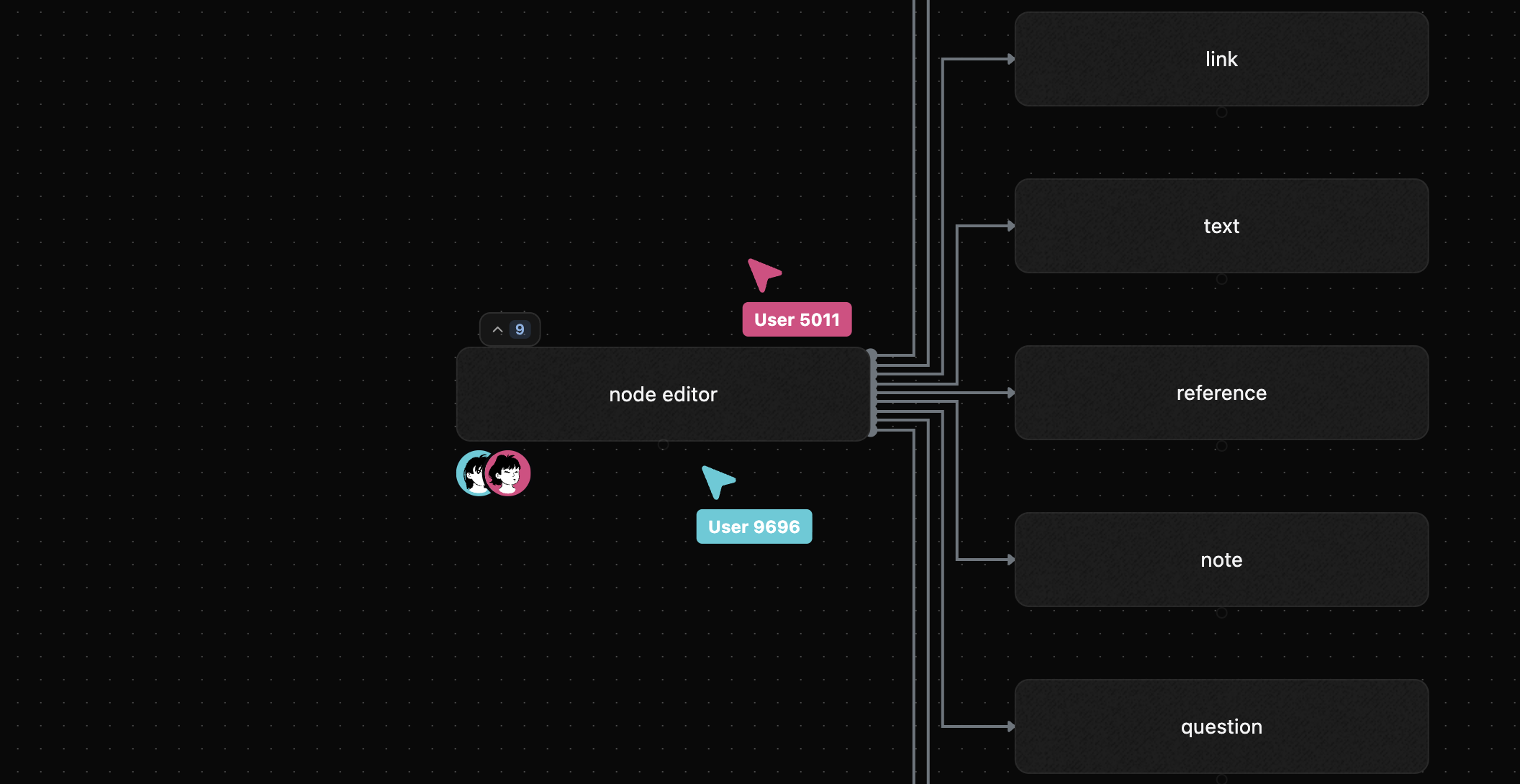
Think together, in real-time
See teammates' cursors, edits, and ideas instantly. Brainstorm sessions that feel like being in the same room.
Type once, structure automatically
Commands like $task, #tags, @mentions parsed instantly. A learning curve that pays off in minutes saved daily.

How It Works
From first thought to connected knowledge in three steps
Start a map
Create a new mind map or try free without signing up. Your canvas is ready in seconds.
Capture your thoughts
Type naturally. Use commands to structure. The editor parses #tags, $types, and @mentions as you go.
Let AI connect the dots
Ghost nodes suggest links you missed. Your scattered notes become a connected knowledge web.
Simple, Transparent Pricing
Start free, upgrade when you need more
Free
Perfect for personal use
$0 billed annually
Pro
For professionals and teams
$120 billed annually